Over 75% of resumes submitted for entry level jobs are rejected by Applicant Tracking Systems (ATS) before a recruiter ever opens them. If you're a fresher applying to companies and hearing nothing back, the problem often isn't your skills it's formatting and structure choices that make your resume invisible to the software scanning it first.
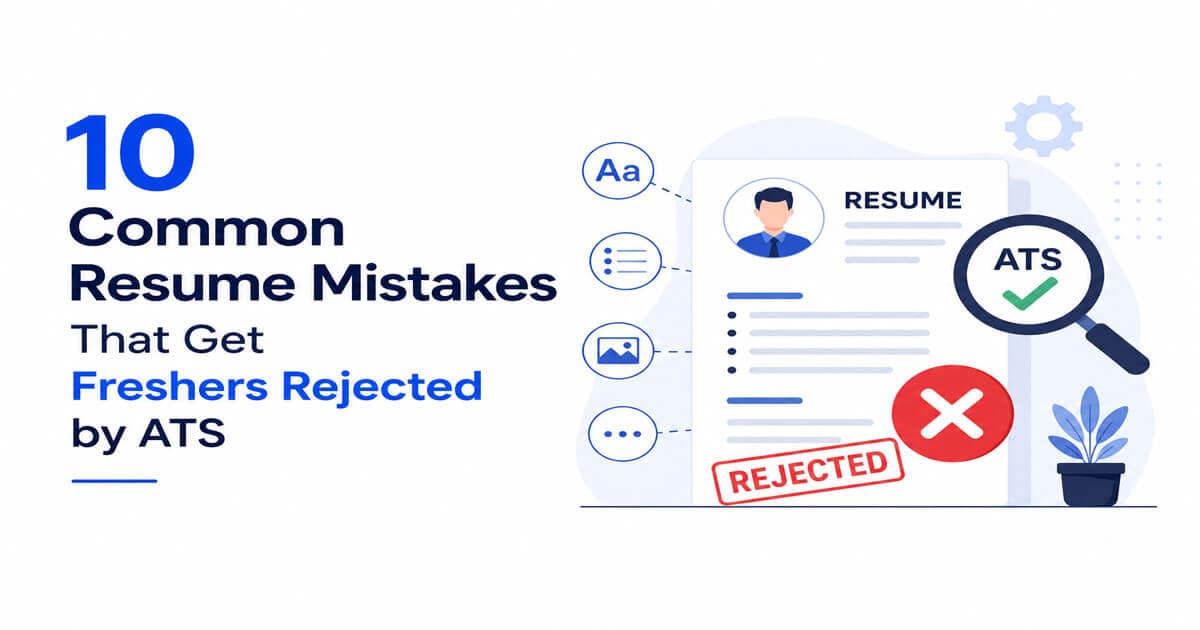
Here are the 10 most common mistakes, and exactly how to fix each one.
1. Using tables, columns, or graphics in your resume layout
Many ATS parsers can't correctly read text inside tables, text boxes, or multi column layouts they scan left to right, top to bottom, and columns scramble the order.
Fix: Use a single column, plain layout. Save the two column "creative" template for a portfolio site, not your ATS resume.
2. Saving your resume as an image or scanned PDF
If your resume is a picture of text rather than actual selectable text, most ATS software reads nothing at all.
Fix: Export directly from Word or Google Docs as a text based PDF, and confirm you can highlight and copy text from it.
3. Using a non standard file name
Files named Resume_Final_Final2_USE THIS ONE.pdf look unprofessional if a human ever sees the raw upload, and some systems use the filename in their internal record.
Fix: Name it clearly: FirstName_LastName_Resume.pdf
4. Missing standard section headings
ATS software looks for expected headings like "Work Experience," "Education," and "Skills" to categorize your information correctly. Creative headings like "My Journey" or "What I Bring" often don't get recognized.
Fix: Stick to conventional headings: Summary, Skills, Experience, Education, Projects, Certifications.
5. Not matching keywords from the job description
ATS software ranks resumes partly by how many relevant keywords from the job posting appear in your resume. If the posting says "Python," "REST APIs," and "Agile," and your resume doesn't mention these exact terms, you rank lower even if you have the skills.
Fix: Read the job description carefully and mirror the exact terms it uses (where genuinely true of your experience), rather than only using your own phrasing.
6. Listing skills without context or evidence
Simply listing "Leadership, Teamwork, Python" as bullet points with no evidence gives the ATS keyword matches, but gives a human recruiter (who reviews you next) very little to go on.
Fix: Pair each key skill with where you used it a project, internship, or coursework even briefly.
7. Using headers/footers for important information
Some ATS parsers skip headers and footers entirely. If your contact information or a key section lives there, it may never get read.
Fix: Keep your name, phone, email, and LinkedIn in the main body at the top of the document, not in a header/footer.
8. Inconsistent date formats
Mixing "Jan 2023 – Present," "01/2023-current," and "2023 to now" across different entries can confuse parsers trying to build a timeline of your experience.
Fix: Pick one format (e.g., "Jan 2023 – Present") and use it consistently throughout.
9. Overly long or overly short resumes
As a fresher, a 4-page resume dilutes your strongest points; a resume with only 5 bullet points total often fails to include enough relevant keywords to rank well.
Fix: Aim for a focused single page that still fully covers your education, 1-2 relevant experiences/internships, key projects, and skills.
10. Spelling and formatting errors
Beyond making a poor impression on a human reader, inconsistent fonts, broken bullet alignment, and typos can sometimes cause parsing errors depending on the software.
Fix: Proofread carefully, keep one font throughout, and use a tool to check for formatting consistency before submitting.
How to check if your resume has these problems right now
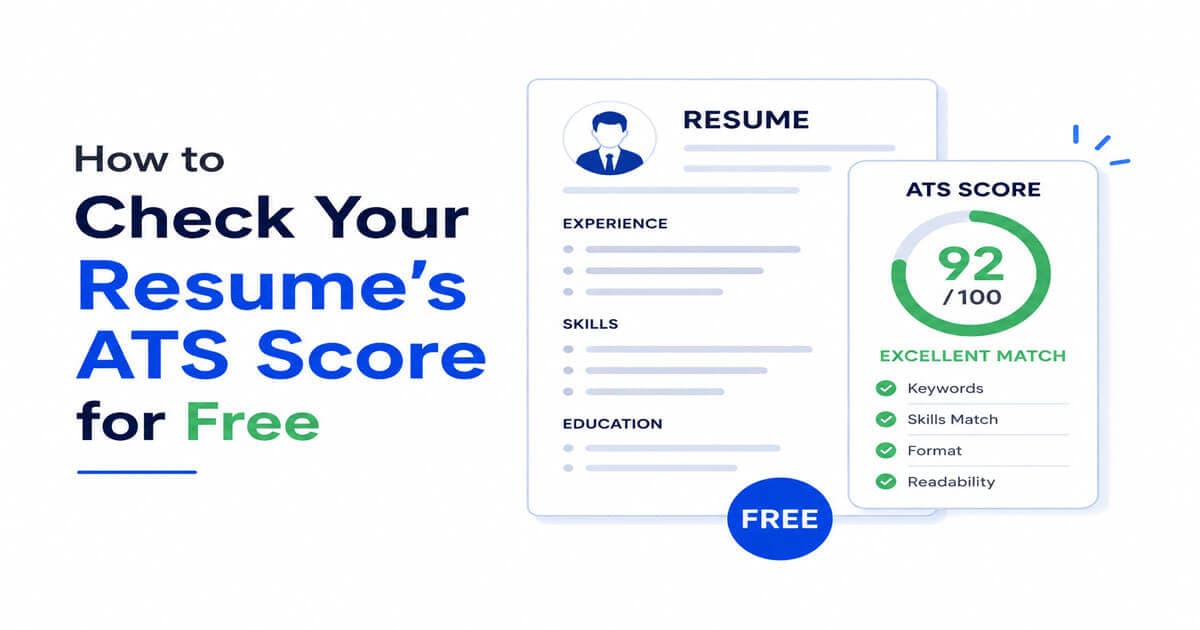
Rather than guessing, you can run your resume through an ATS score checker to see exactly which of these issues apply to you and get a numeric score out of 100. [Try Starvizz's free ATS Resume Score Checker →]